Free
$0
Free to start
4 starter credits
One credit is one premium thumbnail — ship your first, free.
- Up to 2 variations per request
- No watermark
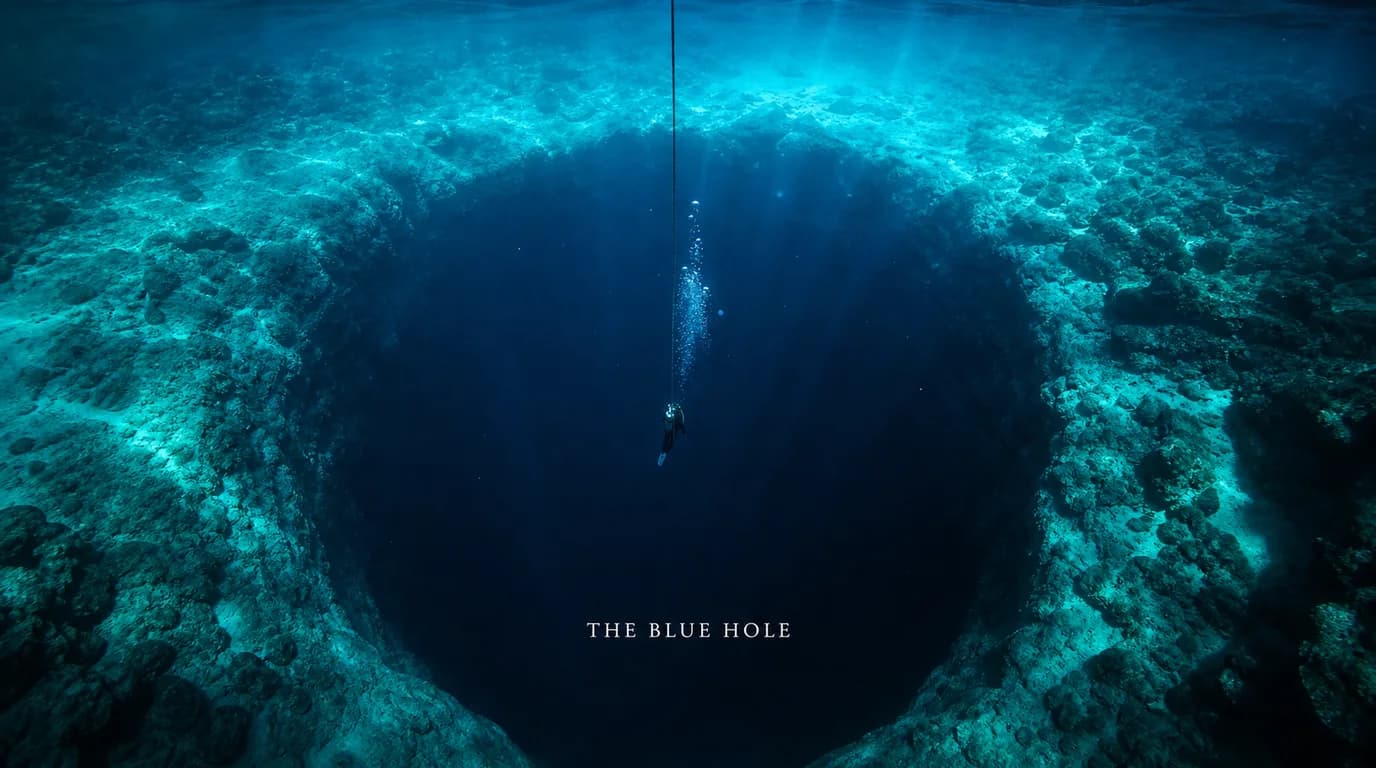
Pick from 100+ formats built from 1M+ videos, rebuild one around your face, brand and video, and export a finished thumbnail in minutes.
Free to start · no credit card
 Used byNick Jackson38.6K subscribers
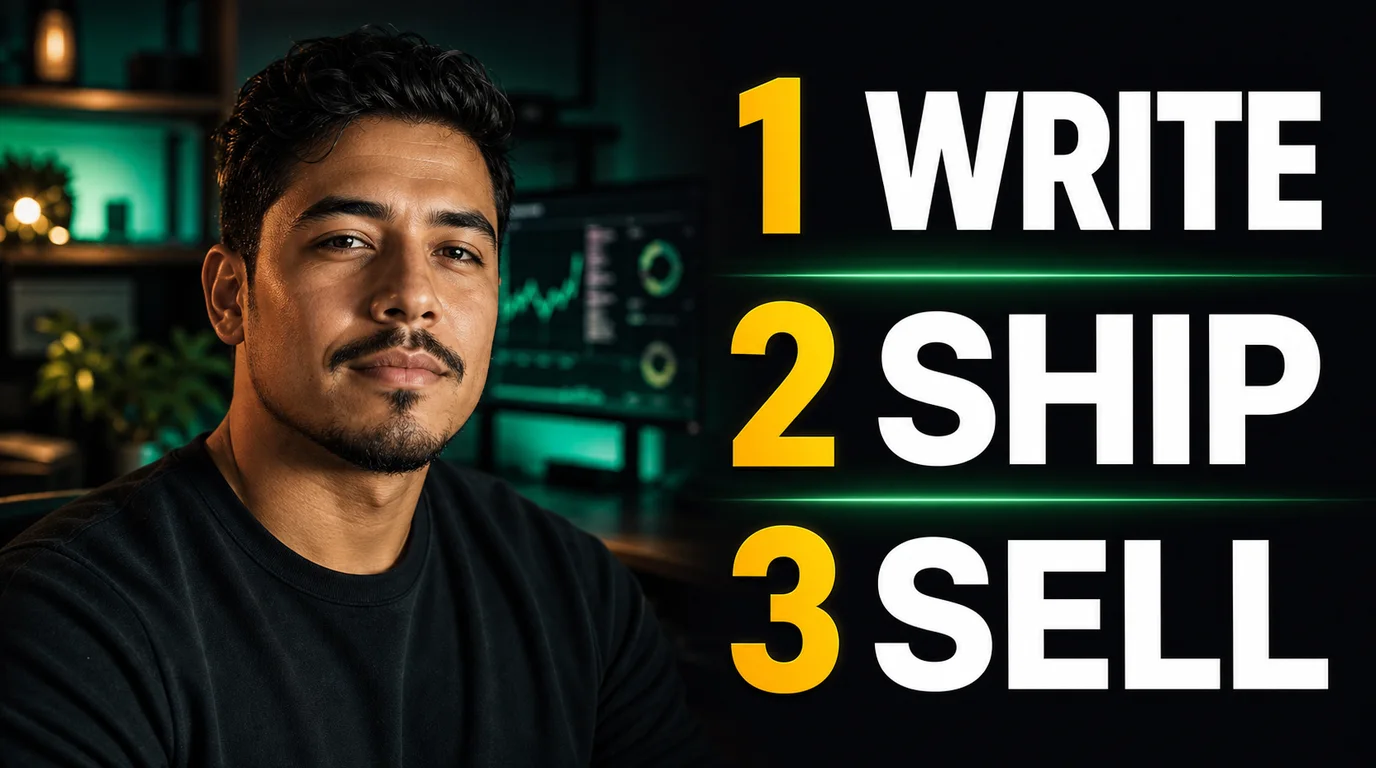
Nick Jackson runs a 38.6K-subscriber channel. His thumbnails start here.
Nick Jackson38.6K subscribers on YouTube
Compare real directions side by side, then ship the one that communicates your video fastest.
We analyzed thumbnail performance across 1M+ videos to find the patterns that keep getting clicked. Pick one and rebuild it around your video, your brand and your face.


12 of the 100+ formats, previewed here. Browse the full library in the app →
Upload one clear photo. Thumbform places you inside the format, then gives you control over the expression, framing, text and composition.


Thumbform matches your face to the format's lighting, scale and composition.
Change the expression, fix eye contact, relight the scene, edit the text and more. Start with a Thumbform result or upload your own.
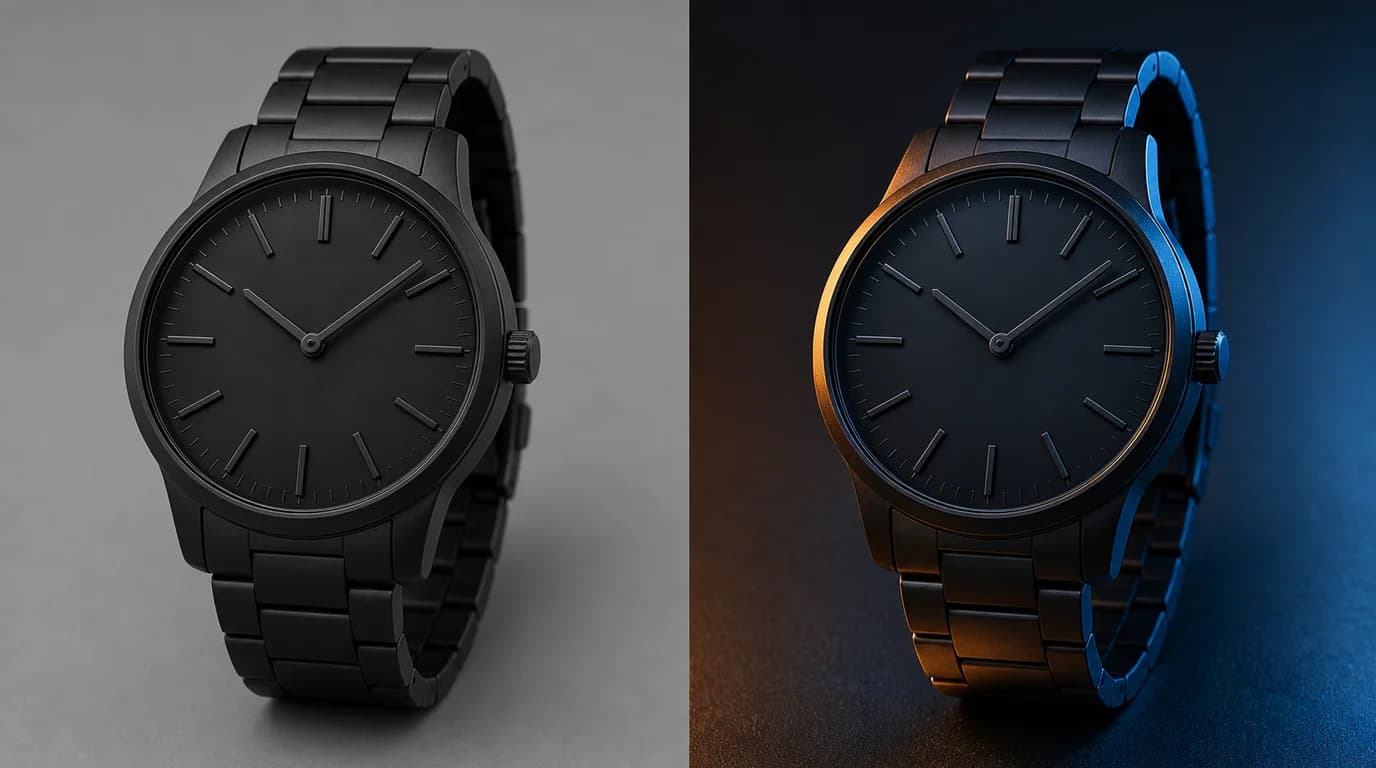
Change the scene lighting while keeping the subject intact.
Paste your title — or hand Thumbform the video itself and it pulls the strategy, the strongest frames and your face straight from the footage.
Start from a structure that keeps getting clicked, then make it your own.
Add your face and brand, then adjust the details until the thumbnail feels right.
Upload the video itself and Thumbform analyzes the footage: it extracts what the video promises, pulls the strongest frames, finds your face and proposes three thumbnail directions built on all of it. Deep video analysis is a premium step — it uses 2 credits on top of generation.
Coming soon: push a thumbnail and title to your channel and see which one earns the click.
Every plan includes the full format library, premium-model generation and every editing tool. One credit is one premium thumbnail — pay for the monthly output you need. Every plan is watermark-free.
Free to start
4 starter credits
One credit is one premium thumbnail — ship your first, free.
30 credits
30 premium thumbnails each month — about $0.63 per thumbnail
30 thumbnails a month covers weekly uploads with room to try alternatives on every video.
100 credits
100 premium thumbnails each month — about $0.59 per thumbnail
Need more credits?
Purchased credits never expire.
6 credits
$5 once
25 credits
$18 once
75 credits
$49 once
Free to start · no credit card · no watermark
We identified the thumbnail patterns that keep getting clicked from performance data across 1M+ videos, then turned those patterns into reusable structures.
One credit is one premium thumbnail. Free starts you with 4 credits to ship your first thumbnails. Creator includes 30 a month — enough to cover weekly uploads and still try alternatives — and Studio includes 100. Editing tools like Flip, Punch In and Upscale are free, and purchased credit packs never expire.
Yes — give it your video and it does the thinking. Thumbform analyzes the footage, extracts what the video promises, pulls the strongest frames and finds your face, then proposes three thumbnail directions. Deep video analysis is a premium step that uses 2 credits on top of normal generation.
Upload one clear photo and Thumbform adapts the format around your face. Choose the closest variation, regenerate when needed, and use the face controls to refine the result.
Yes. Let Thumbform suggest on-image text from your title, or type your own words and we will use exactly what you enter.
Yes. Upload your existing thumbnail and use the same focused tools to relight it, change an expression, remove the background, edit text, upscale it or sharpen the details.
Match the format to the video's promise. Use Big Number for a measurable outcome, List for a step-by-step video, or Cinematic Title when the scene carries the story.
Pick a winning format, rebuild it around your video, your brand and your face, and keep refining until it feels like yours.
Start creating freeFree to start · no credit card